Language
 English
English
English

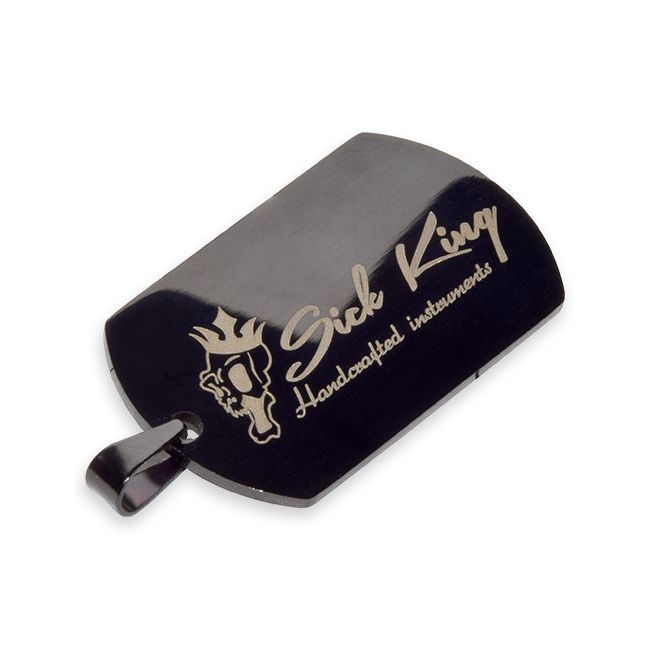
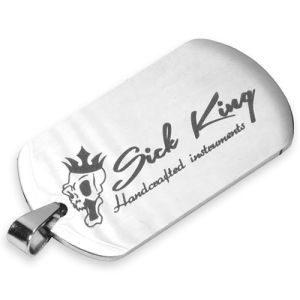
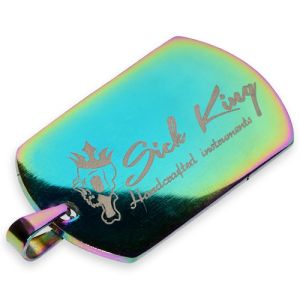
Give your guitar its own identity tag with your logo, name, year of build or a personal message!
We will laser engrave your design on an Axe Tag of your choice. Please note that this option is for a double sided engraving of 1 design. For single sided, or two different designs for each side, please select the other item.
Please make sure to complete the following options with your order:
Your color
we offer a selection of Axe tags in different colors. They are all supplied with a silver colored 10cm chain to attach the Axe tag to your guitar, strap or gig bag.
Depth
The depth of the engraving gives a different color result as in the pictures. You can choose between a light or a dark engraving.
Design
Make sure you provide the design as a raster or as a vector file. If you are unable to do this yourself, no worries we can do this for you at extra cost. You will receive your professionally formatted file by e-mail, so that you can use it again next time. Check the option with your order!
Quantity
If you want to order multiple Axe tags with the exact same design, than select your quantity in the option field to benefit from a price advantage. Please enter the number in the options field and inform us how the quantity should be divided over the various colors.
Because these are tailor made for you, we can not take back ordered items and the delivery time is longer. Take into account 5 working days.
Difference between dark and light engraving:
With dark engraving the result will go towards black. The contrast between the material and engraving is optimal.
With light engraving, the metal will be etched on low temperature. This will make the engraving lighter of color than the metal itself e from different angles there will be a different refraction of the light.
You could almost call it holographical.

Delivery specifications:
The file should be set in a so called Vector or Raster format. The Fonts should be converted to outlines. The files can be uploaded as a Adobe .ai file or .pdf file.
A Vector file is a file that consists out of lines in stead of an image (photo), this file can be read into a CNC, Printer of Laser device after alteration.
How to make a suitable file:
1. Prepare your file with Adobe Illustrator or if you don’t have Illustrator, try out Inkscape, which is an free alternative. Inkscape can be downloaded here: https://inkscape.org
2. Load you logo into the file and add text in your desired font.
3. Convert the fonts to outlines. Important: after converting fonts to outlines, you can no longer edit the text, save a separate file with the font outlines.
- Illustrator: CTRL+A (Select all) --> Type --> Create Outlines
- Inkscape: CTRL+A (Select all) --> Path --> Object to Path
4. Save the file as .ai or as .pdf
Do you want us to take care of the file?
Are you unable to convert the file, or simply prefer us to turn your design into a professional file? No problem, for a small additional fee, we can take care of this. You will receive the professional file through email which you can use later on for other projects as well. Please check the box with your order.
| Item | CUST-FIB-02 |
|---|---|
| Brand | Other |
| Color | Multicolor |
| Material | Metal |
| Size | 50x28x2mm |
| Weight | 16g |
| Sales unit | pce |
At Guitar Goods we do our very best to make things as easy and fun as possible, for example:
 Nederlands